
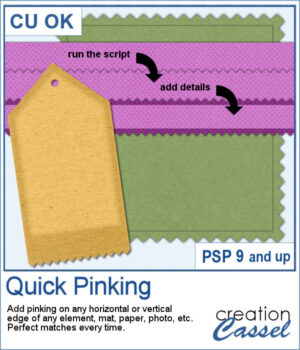
 Add a clean, realistic pinked edge to your papers, photos, and elements with just one click. The Quick Pinking script automatically adjusts the spacing so the zigzag edge fits perfectly every time, with no partial teeth. You can apply the pinking to any single side, two opposite sides, or all four sides. You can then add shadows, stitching, or extra details afterward.
Get this script: Quick Pinking
Want a chance to win this script? Add a comment on this Facebook post telling us how you create pinking on edges. (Remember, comments count — not Likes!). A winner will be announced in next week’s newsletter. Not subscribed yet? Sign up here, it’s free, and we only send one email per week.
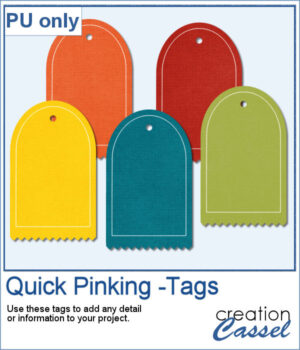 For a sample, I created five tags with pinking edge on the bottom. You can use those tags to add various details, like a date, a name, or a quote.
You need to be logged in to download this sample. Please log in or register using the links at the top of this page.