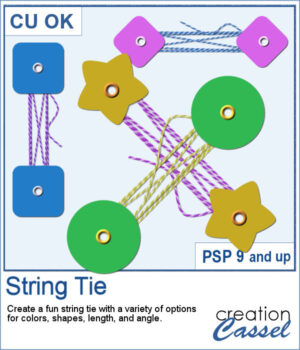
 This week’s script lets you create your own string-tie closures, just like the ones you see on envelopes and notebooks — but fully customizable. You can pick the button shape, the colors, the spacing, and even the angle so the tie fits perfectly on your project. Each run gives you a slightly different result thanks to a few fun random elements, including the loose end.
All the layers stay unmerged, neatly grouped, and ready for you to tweak or drop onto your page.
Get it in the store: String Tie
Want a chance to win this script? Add a comment on this Facebook post telling us what you would hold with this string tie (Remember, comments count — not Likes!). A winner will be announced in next week’s newsletter. Not subscribed yet? Sign up here — it’s free, and we only send one email per week.
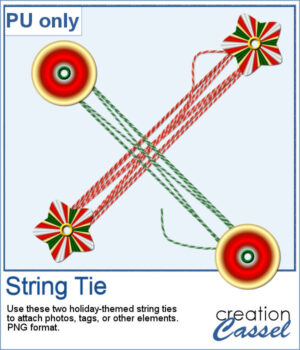 For a sampler, I created two holiday-themed string ties, using gradients for the buttons. You can rotate them a little, but be careful so that the included shadows would still be suitable.
You need to be logged in to download this sample. Please log in or register using the links at the top of this page.