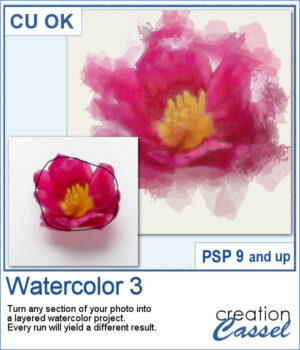
 This script creates soft, layered watercolor effects with gentle washes and subtle blending. Each run produces a unique, painterly result from any selected area of your photo.
It will use the colors along the path you draw. Every run will yield a different result with the randomness integrated in the brush imprints.
Get this script in the store: Watercolor 3
In order to win this script, add a comment on this Facebook post telling if you have ever used a watercolor effect on a photo (remember, add a comment, not just a Like!) The winner will be announced in the newsletter, next week. Not a subscriber yet? Not a problem. You can register here and it is free (and you only get one email per week).
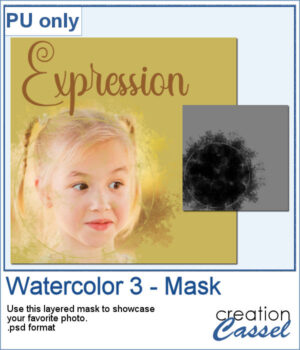 Although the script is meant to create an effect directly from your photos, you can also use the brushes included, to create various effects. I made a mask using some of those brushes. It is a layered mask so you just have to put your favorite photo under the mask and adjust its placement.
You need to be logged in to download this sample. Please log in or register using the links at the top of this page.