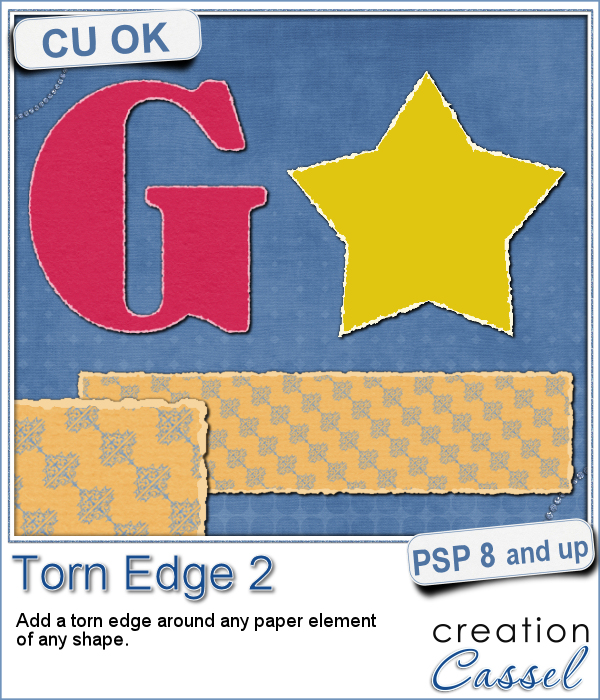
 If you want to get the edges of a photo to be torn, it is fairly easy to do manually since the edges are straight. You can also find some standard size templates for those photos (like in the freebies below). However, if you want to have a torn edge around an element of a different shape, it can be a tedious task to do manually.
This script will use ANY shape and add a torn edge around it. You can also choose the color of the paper that will show on those edges. Even though it will often be white, you can pick ANY color. You can even be creative and use a gradient. Why not?
You can get this script in the store: Torn Edge 2
Do you want this script for free? Add a comment on this Facebook post (remember, add a comment, not just a Like!) The winner will be announced in the newsletter, next week. Not a subscriber yet? Not a problem. You can register here and it is free (and you only get one email per week).
 As a free sampler, i could have created a set of digits or an alphabet, but i thought of making a series of templates that you can use for your photos or your journaling cards. I created 4 templates with fairly standard sizes. Once the script was completed, i extracted the edges to add them as a new layer. That can now allow you to replace the grey layer by your own photo or card or paper.
There is no shadow, so you can also rotate them to be vertical if you prefer.
You need to be logged in to download this sample. You can either login, or register on the top of this page.