
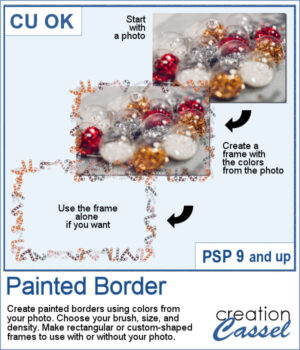
 Create a unique painted border that coordinates perfectly with your photo! The Painted Border script for PaintShop Pro uses colors extracted directly from your image and the brush of your choice to create rectangular or custom-shaped frames. Adjust the brush size and density, and use the finished border with your photo or separately in another project.
Get this script in the store: Painted Border
Want a chance to get these beads for free? Head over to this Facebook post and tell us if you are more likely to use a well-defined brush tip or something more irregular like a watercolor brush. (likes and shares are appreciated, but won’t count as entries.) A winner will be announced in next week’s newsletter. If you’re not on the list yet, you can join right here. It’s free, and we only email once a week!
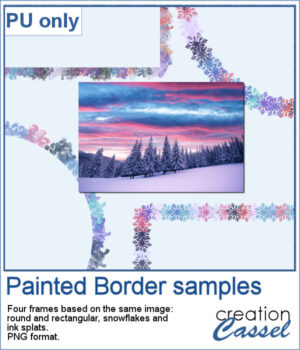 For a sample, I ran this script four times, on the same image, using different shapes and different brush tips. This generated four separate painted borders using the same colors so you will have some coordinated frames.
You need to be logged in to download this sample. Please log in or register using the links at the top of this page.