Add realistic fringe details to your projects with these image brushes for Affinity. Draw soft, vertical strands along any edge and customize the look with spacing and color variations.
With 12 colors included, you can quickly enhance scrapbook pages, cards, or decorative elements.
In order to win these picture tubes, add a comment on this Facebook post telling us where would you most likely add a fringe effect in your projects (remember, add a comment, not just a Like!) The winner will be announced in the newsletter, next week. Not a subscriber yet? Not a problem. You can register here and it is free (and you only get one email per week).
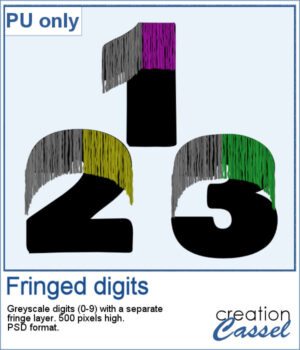
For a sample, I had fun drawing fringes on top of a set of digits in Affinity. You get a complete set (0 to 9) plus a hyphen, in layered psd format. Since it is in greyscale, you can colorize the fringe to your liking in any program that will open psd files.
You need to be logged in to download this sample. Please log in or register using the links at the top of this page.
A couple of weeks ago, i released a script that would help scrappers and designers create fun confetti like those you would get from a regular three hole puncher (or even a single punch). It saved a lot of time from punching, scanning and extracting those tiny confetti.
However, paper scrappers often have punches in fancy shapes, like stars, hearts, etc. so i figured that digital scrappers also needed something similar.
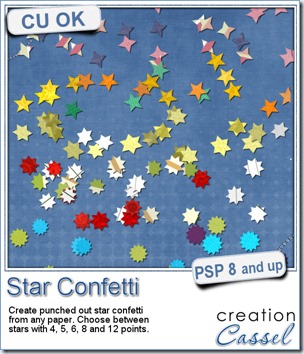
This script will punch out star shape confetti, but you won’t be limited to only the traditional 5 point stars, but will have the option of stars with 4, 5, 6, 8, or 12 points.
Just like the previous script, you can use a single paper, or multiple ones.
This is perfect for scrappers who want some extra details based on the photo or kit they are currently using. It is also perfect for designers who want a coordinating spray of confetti to complete a kit.
You can get this 5 star script (pun intended), in the store: Star Confetti script.
This week, i will give you a chance to win this script in a different way. Usually, i would have posted this giveaway in the DST forum, but i’ll change things around. I want you to comment ON THIS POST, BELOW. Tell me what type of star you would find the most useful (4, 5, 6, 8 or 12 points) and why. I’ll be back next week with the name of the winner.
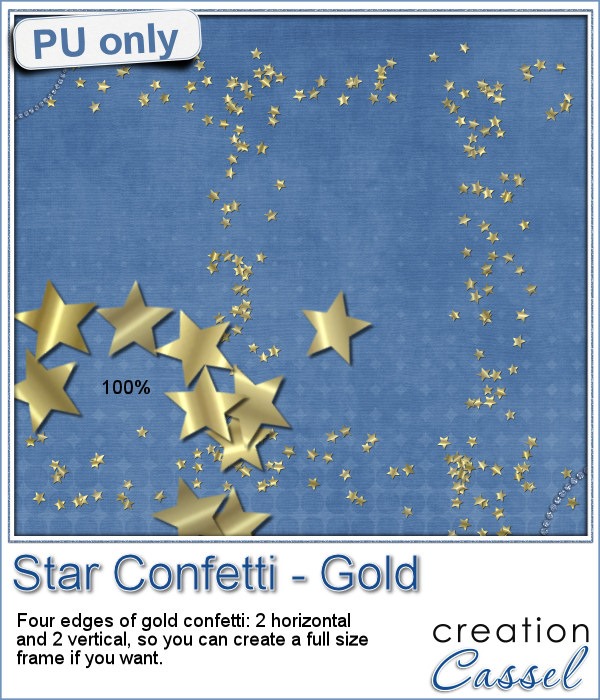
The free sample for this week is a set of gold star confetti. I simply used a full size paper filled with a gold pattern, and punched out some traditional 5 point star confetti out of it. The result is pretty fun.
There are 4 “lines” of confetti: two horizontal and two vertical lines. I wanted you to have the option to create a whole frame around a paper, without being tempted to take a single line and rotating it. Why? Because there is a shadow added to each confetti and rotating the whole set of stars will put the shadows in the wrong direction, which would yield a very odd result on your project.
So now, you can use one, or two or all the lines while keeping the shadows as realistic as possible.
To download this set of confetti, just click HERE. (if the link is not active, just login or register on the top of the page)
You need to be logged in to download this sample. You can either login, or register on the top of this page.

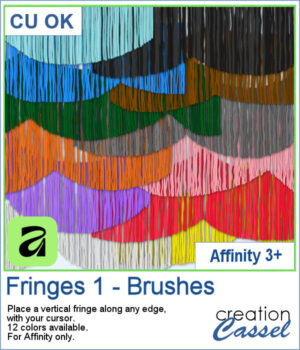 Add realistic fringe details to your projects with these image brushes for Affinity. Draw soft, vertical strands along any edge and customize the look with spacing and color variations.