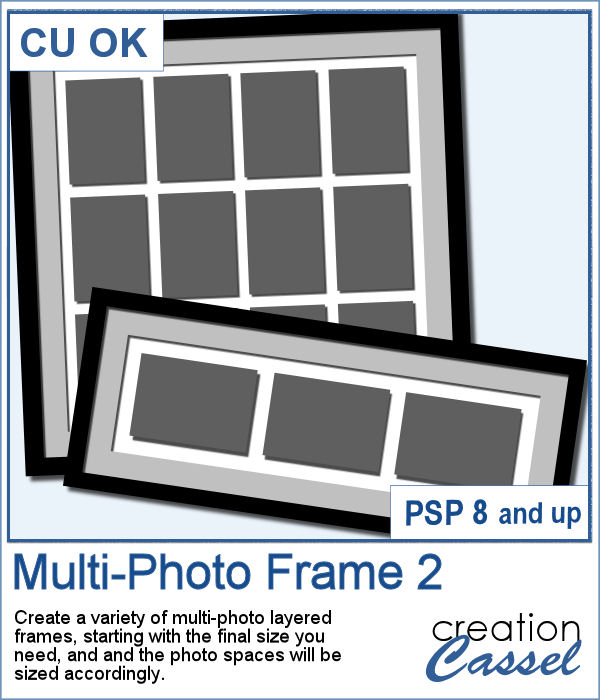
Do you like freebies? Of course, you do. That is why you are on this page, right?
This freebie consists of a layered template in .pspimage format. Each photo area is made of a mask so you just have to paste your photo above the layer called PHOTO, and then, using the Pick tool (K), you can move the photo to display it the way you want. With that tool, you can also resize and/or rotate your images to showcase them the way you want. The shadows are also on separate layers, so you can change them if needed.
You need to be logged in to download this sample.
You can either log in or register here.
Even more versatile than that, you can delete some photo spots to allow for a larger image, or a quote or a poem or anything else you want to display among those beautiful photos.
This set is made using the Multi-Photo Frame 2 script that you can get here, to create other frames or even posters with your favorite photos.