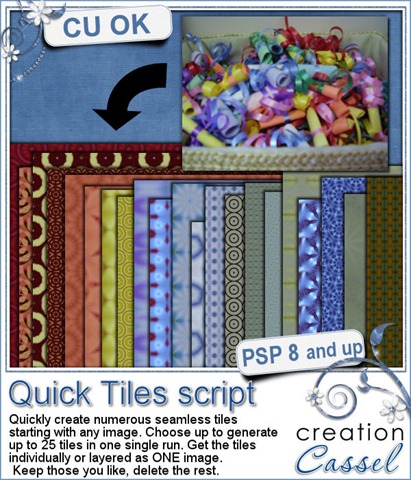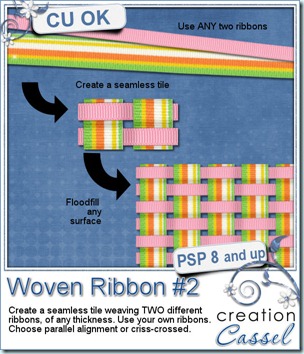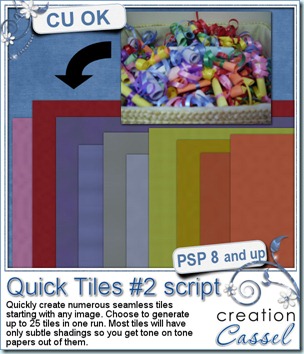
Last week, i promised to have a new script that would be a perfect companion to the Quick Tiles script. Well, this is it. This time, the script will create tone-on-tone seamless tiles from your image. Just like the other script, this one offers you options. The tiles you will get will have only subtle patterns that might not even show if you only look at the tile, but floodfill any larger surface and you will see that design appear. You can run both scripts on the same image and get perfectly matching papers. How neat is that? Again, this script is only for Paintshop Pro users (sorry Photoshop gals!)
You can get this script in either one of my stores: Creation Cassel and DigiScrapWarehouse.
Do you want a chance to win it? I started a thread in the Happy Place of the DST forum where you can go and add your name. Just answer the question “how do you create tone-on-tone papers?”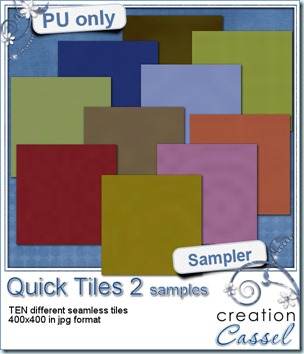
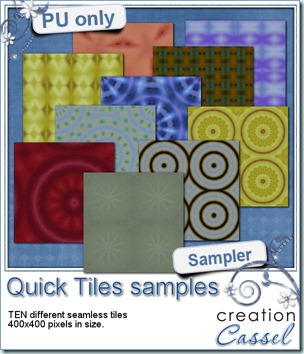
Last week, i let you have 10 seamless patterned tiles created when i was making the preview. This week, i will do the same. Since i am starting with the same image, this week’s tiles will match last week’s. They are all 400x400 jpg tiles. Use them with various scale and angle settings for very different results. I would LOVE to see how you would use all those tiles in a layout. Can you do that? Show it to me.
You need to be logged in to download this sample. You can either login, or register on the top of this page.