cass-CookieCutter

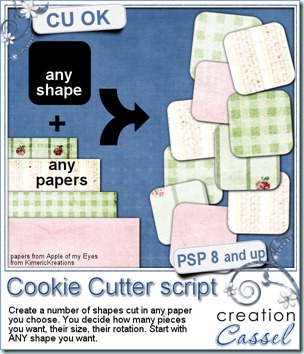
You know how cookie cutters are used to cut out cookies always in the same shape, of the same size out of cookie dough. This script for Paintshop Pro will do just about the same thing (without the dough). Unlike actual physical cookie cutters, you can use ANY SHAPE you want. You can use circles, rectangles, hearts, stars, arrows, spirals, ovals, frames, etc.

And more than choosing the shape, you can use any paper you have, colored or not, textured or not, big or small, from your stash or your kit. You can choose 1, 2, 10 papers, or how many your computer can handle open at once. The script will cut out the same shape, with some options of whether you want always the same size or slightly different, but it will cut from different sections of the papers every time. This means that even if you were to get 10 shapes from the same paper, the end result would be 10 different pieces. Isn’t this great?

Now, what can you do with so many little pieces of papers? You can create clusters, strings, mosaic, borders, patchworks, and probably more.

You can get this script in both of my stores: Creation Cassel and DigiScrapWarehouse.
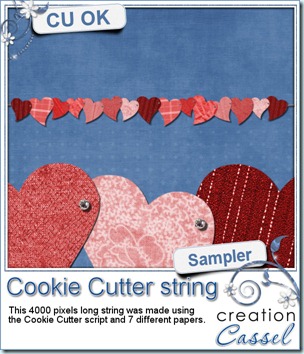
cass-CookieCutter-sampleAnd why not try to get it for free too? Check this thread in the DST forum, add your name and wait for Monday night.

I am sure you would love to see something made with this script. Initially, i was wondering what i could make as a sampler, since this is mostly at TOOL script and useable with your own papers, but i found some textures i scanned a while ago and used just as texture, so i used those “images”, colored them in red/pink shades and used a heart shape to run the Cookie Cutter script. Once done, i simply aligned the hearts, mirrored some of them and added some bead tubes i had. I think it looks cool, dont you? This string is 4000 pixels long so you can size it down a bit if you want. Simply click on the image to get a direct download.


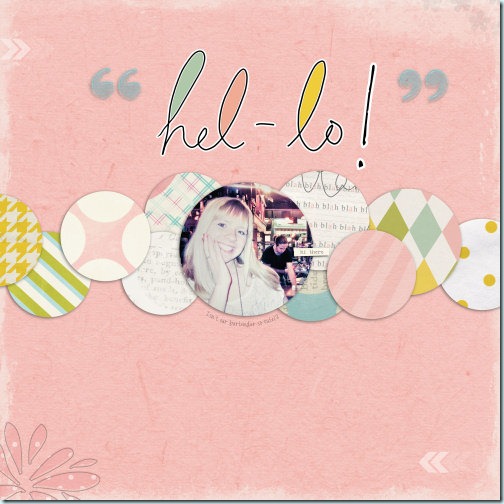
Do you want to see something else made with this script? Suzy, who was the one who suggested this idea made this layout using the kit Chatterbox from Sandra of Studio 68. Click on the image to reach my gallery where she posted it, so you can give her some love. How long do you think it would have taken to cut out all those circles?
cass-CookieCutter_01

Post tags: , , ,

cass-SpiralBinding2

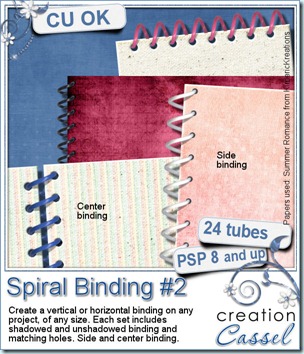
These tubes are perfectly measured to create a regular spiral binding on the edge of any book, notebook or other element. You can place them along any edge, and you can make them as long as you want, with the size you want. You get 4 sets of tubes for Paintshop Pro (only…. sorry Photoshop users); each set includes side binding and center binding, shadowed and unshadowed. You also get a tube to align the holes perfectly. You get a total of 24 tubes in all. These realistic spirals were extracted from real ones, gathered at the printing shop!


You can grab this second set at either one of my stores: Creation Cassel and DigiScrapWarehouse.


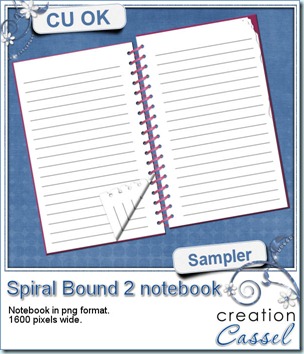
cass-SpiralBinding2-notebook Now, what could you do with the spirals? I made a little notebook for you. Use it for journaling on your pages if you want. Simply click on the image to download it directly.

What kind of little notes will you write in that notebook?


Did you know about my birthday yesterday? Yeah, i share my day with the Earth, as in Earth Day! easy enough to remember! This year, I posted a special sale in my personal store, and a LOT of people took advantage of that rare opportunity: they enjoyed a 50% off sale on everything. Did you miss it? I still have a 35% off everything today (until midnight), and then a 25% off tomorrow. Hurry because sales are not very frequent in my store. Scripts, fonts, tubes, presets, paths, everything is on sale.

Post tags: , ,

New script – Mask’n Ink

15th April 2011

cass-MasknInk

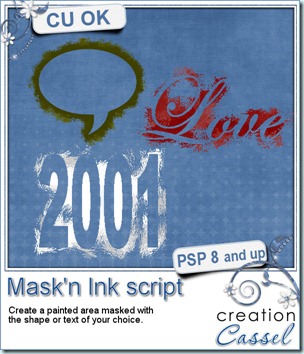
You can now create a masked and inked shape or text in seconds. This script will let you add fun titles, wordarts, frames, or accents to your scrapbooking kits or layouts. Choose any color you want, and you can also decide to have thin, medium, large or very large brush strokes. There is a random feature integrated into the script so you can run it several times and always get something slightly different. You can also run it twice, with different thickness and different colors, on the same shape for an interesting effect. Only works with Paintshop Pro.

You can get this script in either one of my stores: Creation Cassel and DigiScrapWarehouse.

And how about a chance to get it for free? Just add your name to this thread in the DST forum and tell me what you can think you could use this script for. And a winner will be picked Monday night.


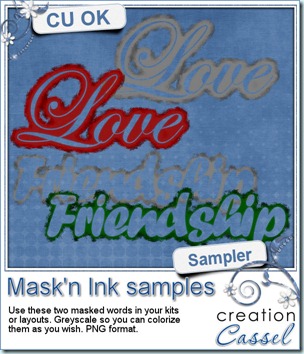
cass-MasknInk I have a little sample (actually TWO samples) made with this script. They are about 900 pixels wide and in greyscale so you can colorize them to suit your kit or your layout. They are in PNG format so you can use them in most graphic programs. Simply click on the preview to start the download (no sharing site, the download is direct).

Post tags: , ,

cass-Pyramid

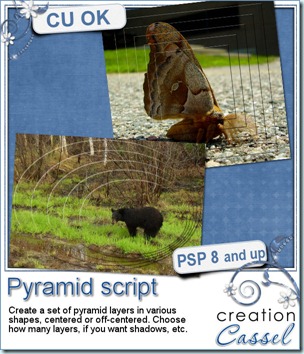
Are you into hybrid projects? This script will be perfect for you to speed up the process. It will create a various number of layers in the shape you want, and centered or off-centered, focussing on an element of your photo.

You will have many options to choose from: the number of layers, the shape, the centering, the shadow, the placement of the off-centered layer. You can use the script on any photo and use it on a digital layout, like any other scrapbooking project, or print the layers separately and then cut them one by one to create a hybrid montage.

You can get this script in either one of my stores: Creation Cassel and DigiScrapWarehouse.


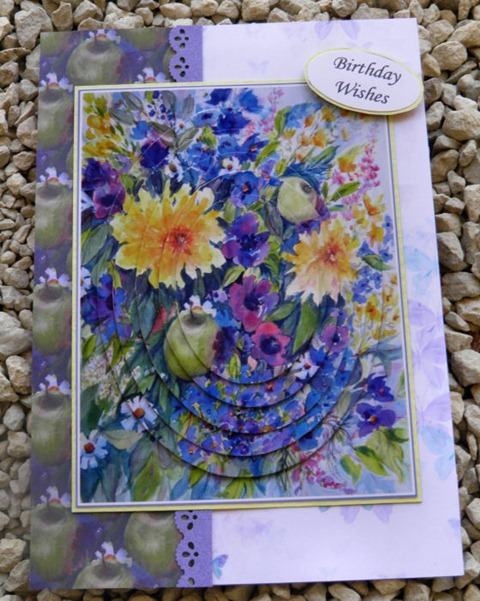
Here is a card that was made by ooh-la-la-creation using this script. Isn’t this great?

cass-Pyramid-04


cass-Pyramid-TemplateIf you want a chance to win this script, check out this thread in the DST forum, and tell me if you ever made a hybrid project with your digi supplies.


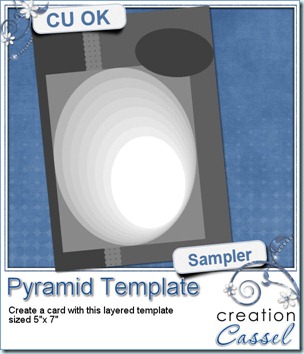
And how about a little freebie? I created this layered template loosely based on the card made above. It is a layered template in PSD format so most graphic program can open it. It is 5×7 in size. Just click on the preview to start the direct download.

cass-Smoothener

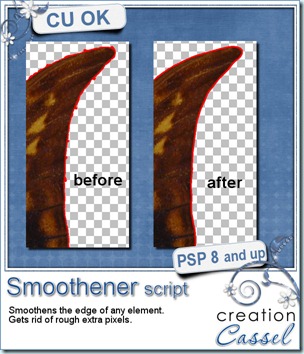
Whether you are a designer who is concerned about quality control, or a scrapper who wants to check their supplies, this script will help you a lot. This is the first script coded for Paintshop Pro that will remove jaggies, smoothen the edges, AND fill in missing pixels with a perfectly matching color inside the element.

Although the script will not fix EVERYTHING or replace a good extraction technique in the first place, it can still help you get the best end result before distributing or using your element.

You can find this script in my stores: Creation Cassel and DigiScrapWarehouse.

And for a chance to win this script, hop over the DST forum at this thread and tell me how you normally remove jaggies on elements. And i will come back on Monday with a winner.

This script is a great addition to the Stray Pixels Catcher and the Quality Check Utility script (which are already bundled here too).


birthday

Did you know that April is my birth month? Well, it is, so i am going to hold a big promotion all month long. How much you can save will depend on you, on how much you buy.

Stay tune for all the details in the newsletter on Sunday.


********************************************


And this week’s newsletter will also include something VERY IMPORTANT for all digiscrappers using PSP (or other programs). It will be only this week. Make sure you open your mail when you get it. And if you have friends who scrap or design using PSP, send them to join my newsletter as soon as possible (they can always unsubscribe if they really dont want to receive future issues). Click on the link on the left to join.

Post tags: , ,