
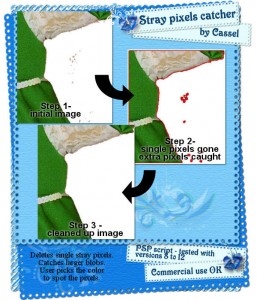
 In just a few seconds, this script will eliminate single stray pixels. In a second step, it will indicate which areas still have some groups of pixels that might or might not belong there. Since YOU choose the contrasting color to use, those will be much easier to see. Once you have deleted those extra pixels, run the script a second time to remove the colored indicator. This can be a perfect tool for scrappers and designers. And if you do some quality checking, this tool will save you a lot of time and improve the quality of the products.
This is a VERY handy tool for PSP users.
It is available at:
Creation Cassel, Do It Digi and Divine Digital
There is also a RAK available here if you want to try to win it.